Invoicing
Send the invoice. Get paid into your own account.
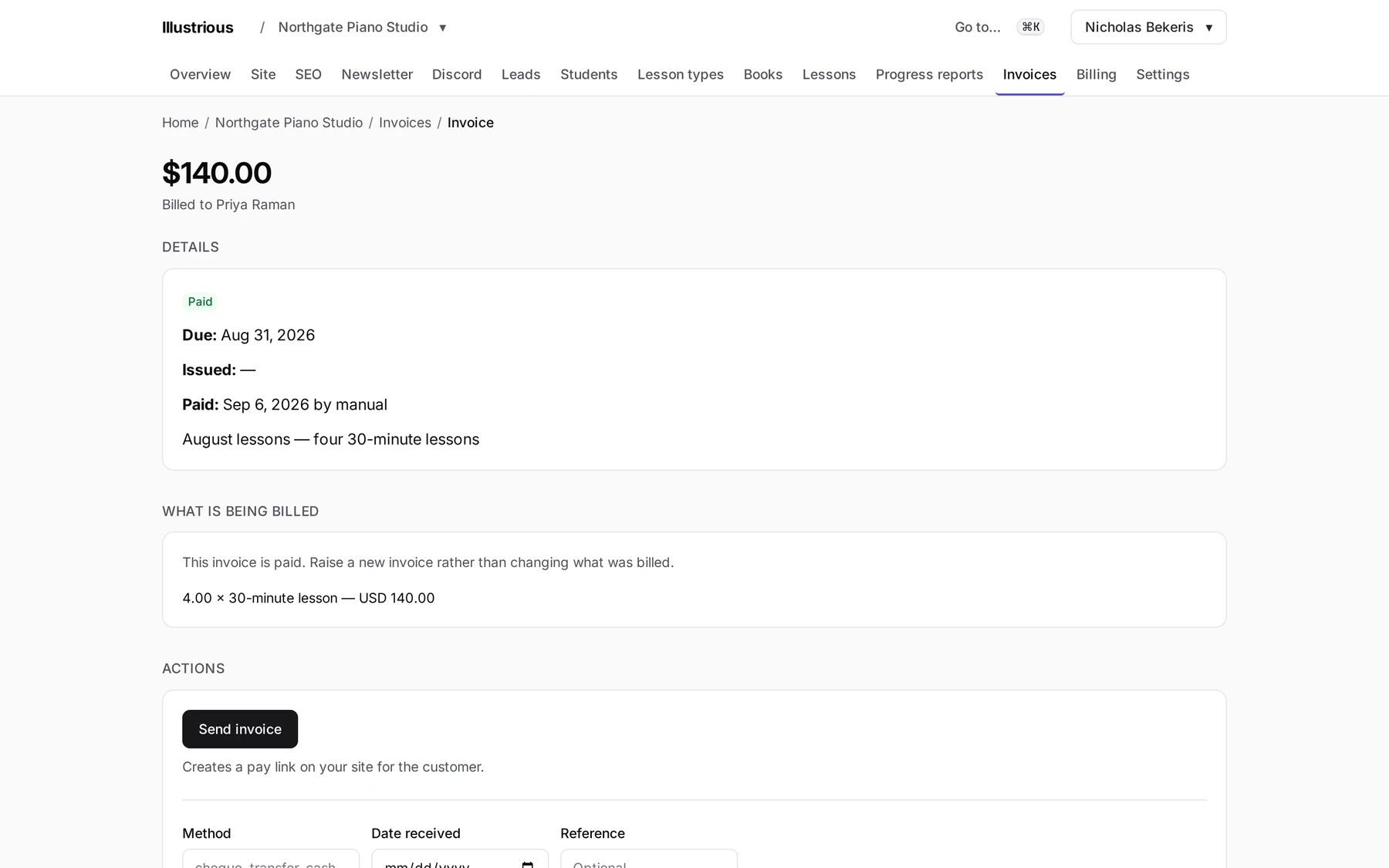
Invoices go out from the dashboard, your customer pays by card from a portal they reach with a link, and the money settles into your organization's own Stripe account. We connect it; we never hold it.
For a business that does the work well and gets paid slowly. Raising the invoice is easy. What costs you is the chasing, the “which one was that”, and the customer who cannot find the email.
What it does
Invoices that know who they are for
Raised against the customer and the work you did, so the line items are the things you actually booked.
Raised from booked work
Line items from your catalog
Status you can see at a glance
Paid from the portal
Your customer opens a link, sees the invoice, and pays by card. No account, no password, no app. If they pay another way, you mark it paid.
Card payment through Stripe
A link, not a login
Payment instructions for other methods, and mark-as-paid
Settles to you, directly
Card payments are created on your organization's connected Stripe account. You are the merchant of record; the funds never pass through us.
Your own Stripe account
You are the merchant of record
We connect; we do not hold
Reminders, if you want them
Due-invoice reminders always reach you. They reach your customers only if you switch that on, per organization.
Off by default for customers
One switch, per organization
You are always reminded
What you actually earned
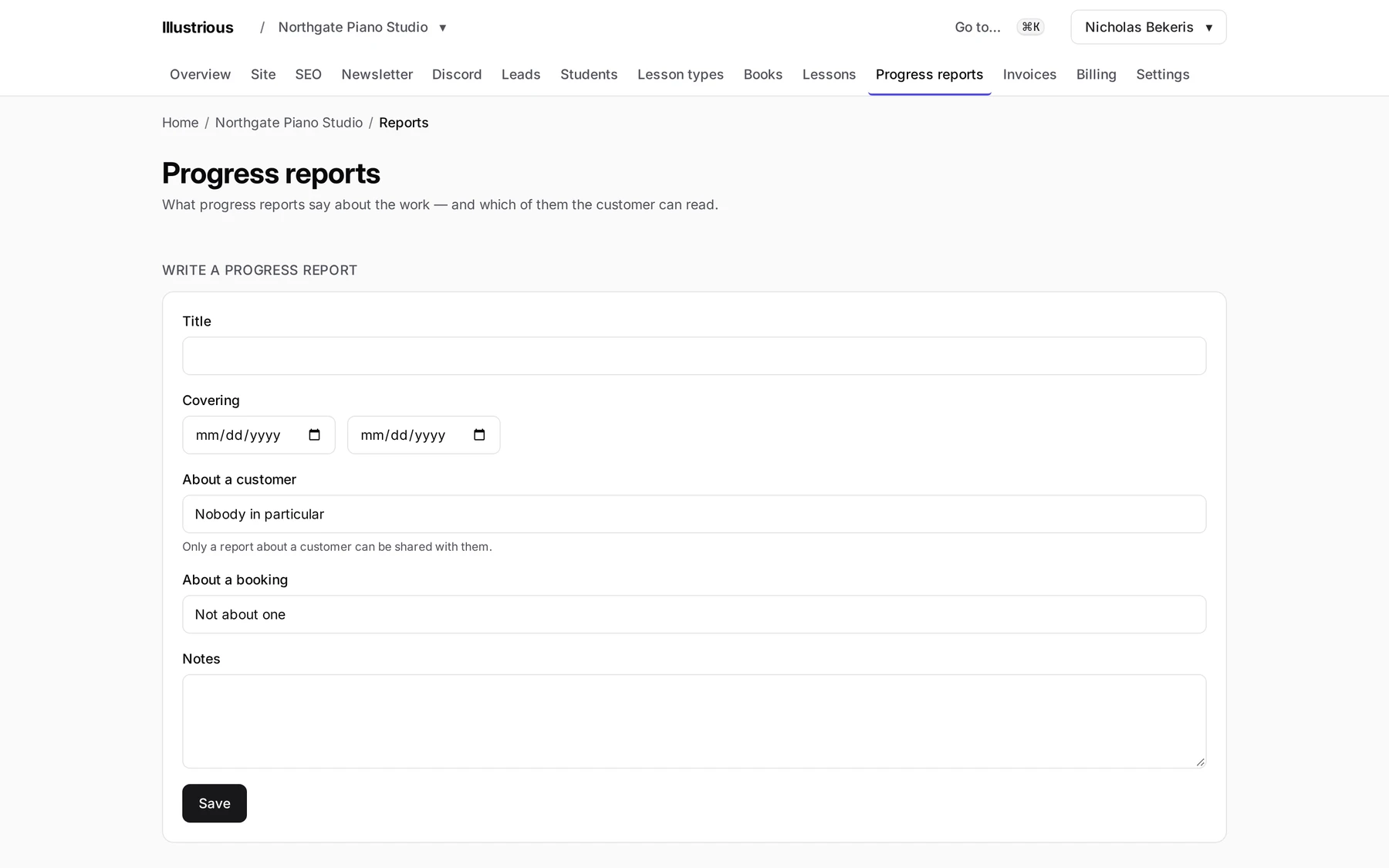
Revenue by service and by period, totals of the numbers you record, and a report you can share with the customer it concerns.
Revenue by service and by period
Totals of the numbers you record
Share a report with its customer
Questions
Which plan includes it?
Pro. Invoicing, card payment, the customer portal and reports are the business half of the product, and that is what Pro is.
Who holds the money?
You do. Payments settle into your organization's own Stripe account and you are the merchant of record. We connect the account; the funds never pass through us.
Can my customers pay without a card?
Yes. Set payment instructions — bank transfer details, say — and they appear with the invoice. When the money arrives, you mark the invoice paid.